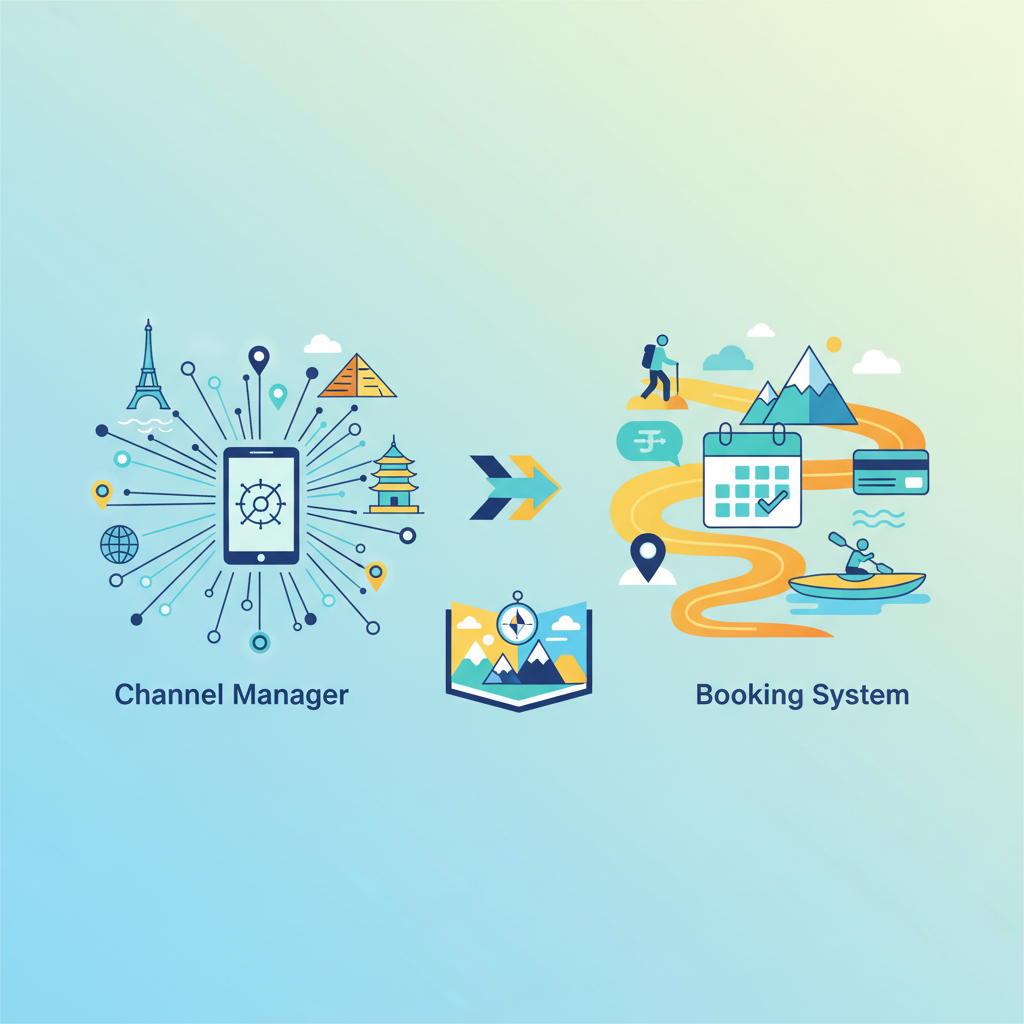
Channel Manager vs. Booking System for Tour Operators
July 20, 2026
Navigate the tour operator tech landscape: understand the differences between channel managers and booking systems to optimize your operations and increase direct bookings.
Understanding the Core Differences
For tour operators, attractions, and activity providers, navigating the technology landscape can feel like a complex journey in itself. Two terms that often come up are 'channel manager' and 'booking system.' While they can sometimes overlap, especially in comprehensive solutions, they serve distinctly different primary functions. Understanding these differences is crucial for optimizing your operations, maximizing direct bookings, and ultimately, boosting your bottom line.
What is a Booking System?
A booking system, also known as a reservation system or booking engine, is your direct portal to customers. Its primary function is to allow customers to view your availability, select dates and times, and complete a booking and payment directly on your website. Think of it as your virtual storefront and cashier.
Key features of a typical booking system include:
- Online Booking Page: An intuitive interface for customers to book directly.
- Real-time Availability: Shows accurate, up-to-the-minute availability for your tours and activities.
- Payment Processing: Integrations with various payment gateways (Stripe, PayPal, etc.) to securely handle transactions.
- Automated Confirmations: Sending immediate booking confirmations, tickets, and waivers.
- Customer Management: Storing customer data, booking history, and preferences.
- Reporting: Sales data, customer demographics, and other valuable insights.
- Resource Management: Tools to manage guides, equipment, and capacity.
For many operators, a robust booking system is the foundational piece of technology that empowers them to control their brand, manage their inventory, and avoid hefty OTA commissions on every sale. It's the cornerstone of a direct booking strategy.
What is a Channel Manager?
A channel manager, on the other hand, is designed to distribute your inventory across multiple online sales channels from a single platform. Its main role is to synchronize your availability and pricing across various Online Travel Agencies (OTAs) like Viator, GetYourGuide, Expedia, Airbnb Experiences, and potentially even local DMOs or affiliate partners.
Key functions of a channel manager include:
- Centralized Inventory Control: Update your availability once, and it propagates to all connected channels.
- Price Synchronization: Adjust pricing on the fly across all platforms.
- Booking Aggregation: Collect bookings from various OTAs into one central dashboard.
- Reduced Overbooking Risk: Prevents multiple channels from selling the same spot simultaneously.
- Simplified OTA Management: Streamlines the process of managing listings across many platforms.
While a channel manager helps you reach a wider audience through OTAs, it doesn't typically handle direct bookings from your own website. It's an aggregator and distributor, not a direct sales engine.
Channel Manager vs. Booking System: The Decision
So, which one do you need? The answer often isn't an either/or, but rather a strategic decision based on your business goals and scale.
When a Booking System is Enough (Initially)
If you're a smaller operator focused primarily on building your direct brand, driving traffic to your own website, and minimizing commission costs, starting with a robust booking system is often the best first step. It empowers you to handle every aspect of the customer journey from inquiry to booking to post-tour follow-up, all under your own brand.
Focusing on direct bookings not only saves on commission fees but also gives you invaluable customer data for future marketing efforts. Tools like Google Things to Do Ads can complement your direct booking strategy by showcasing your bookable products directly on Google, driving highly qualified traffic straight to your booking engine.
When a Channel Manager Becomes Essential
As your business grows, and you seek to expand your reach beyond your own marketing efforts, a channel manager becomes increasingly valuable. If you find yourself manually updating availability on several OTA platforms, you're wasting valuable time and risking overbookings – a channel manager solves this problem. It allows you to tap into the massive audiences of OTAs without sacrificing sanity.
Many booking systems now offer integrated channel manager functionalities, or at least seamless integrations with standalone channel managers. This hybrid approach is often the ideal solution for established operators.
The Hybrid Approach: Booking System + Channel Manager
For most thriving tour operators, the optimal solution is a powerful booking system that either has an integrated channel manager or seamlessly connects with one. This allows you to:
- Maintain a strong direct booking channel: Your website remains the primary, most profitable conversion point.
- Efficiently distribute inventory to OTAs: Expand your reach without manual headaches.
- Prevent overbookings: Real-time synchronization across all channels.
- Centralize operations: Manage all bookings and customer data from one hub.
This integrated approach allows you to leverage the best of both worlds: the brand control and profitability of direct bookings, and the wide market exposure provided by OTAs. When considering how to automate your operations and expand your reach, you might also want to look into how Google Things to Do works to further enhance your visibility on the world's largest search engine.
Making the Right Choice for Your Business
When evaluating different software solutions, consider these factors:
- Your Current Business Size and Goals: Are you just starting out, or are you scaling rapidly?
- Your Target Audience: Where do your customers typically search for and book activities?
- Budget: What are you willing to invest in technology?
- Ease of Use: Will you and your team be able to adopt the software without extensive training?
- Integration Capabilities: Does it play well with other tools you use (CRM, accounting, etc.)?
- Support: What kind of customer service does the provider offer?
Don't let the technical jargon intimidate you. The right software tools are there to simplify your life and help your business grow. Whether you offer Google Things to Do for Bike Tours or operate an escape room, understanding your tech stack is key. Investing in the right booking system and/or channel manager streamlines your operations, reduces errors, and frees up your time to focus on what you do best: delivering incredible experiences.
Stay informed on the latest industry insights and strategies by visiting our tourism marketing blog regularly. Choosing the right tech stack is a pivotal decision for any tour or activity provider. It directly impacts your efficiency, customer satisfaction, and ultimately, your profitability.
How a channel manager works in practice
Strip away the jargon and a channel manager does one job: it holds your inventory in one place and keeps every connected channel in sync with it.
You load your tours, departure times, capacity, and pricing once. When someone books through any connected channel, the remaining capacity drops everywhere at the same moment. When you change a price, it changes everywhere. When you cancel a departure, it disappears everywhere.
Typical connections include Google Things to Do, OTAs such as Viator, GetYourGuide, Klook and TUI, reseller and agent portals, and your own website booking engine.
The value is not the connections themselves. It is that you stop maintaining eight versions of the truth.
The five things operators actually get out of it
- Time. One update instead of eight. On a business with frequent departures this is hours a week, every week.
- No oversells. The single most damaging operational failure in this industry is turning up a guest you have no seat for. Real-time sync removes the main cause.
- Consistent pricing. Mismatched prices across channels do not just confuse travellers — on Google they can get your listing pulled, because the price shown must match the price paid.
- One inbox for bookings. Reservations from every channel land in the same dashboard, with the same guest data format.
- Compliance. A good channel manager formats your inventory to each channel's spec, including Google's requirements for titles, images, and total pricing.
Where Google Things to Do fits
Google Things to Do is not an OTA, and it is worth understanding why that changes the calculation.
An OTA connection sends your inventory somewhere travellers shop, and takes a percentage when they buy. A Things to Do connection puts your product, your price, and your own booking link into Google Search and Maps, with the Official Site badge, and the traveller checks out on your site. No commission on the booking.
That makes it the highest-value connection on the list for most operators, and it is the one most channel managers treat as an afterthought. If your current platform pushes to six OTAs but cannot get you an Official Site badge, it is optimising for the expensive channels.
Our post on what a Google connectivity partner is explains who is allowed to submit that feed and why Google steers operators under 100 properties toward a partner rather than a direct build.
Do you need a channel manager to get on Google?
No — and this is where operators overspend.
If you are selling through several OTAs and you want everything in sync, a channel manager earns its subscription. If you mainly want your own tours showing on Google Search and Maps with your own booking link, you need a feed and a compliant landing page, not a full distribution platform. Our take on the Magpie alternative route goes through when the heavier tool is justified and when it is not.
We handle the Google side as a connectivity partner for a flat $25 a month, with no commission and free signup, and it sits happily alongside whatever booking system you already run. How it works covers the setup.
Choosing between them, quickly
- No online checkout yet? Booking system first. Nothing else matters.
- One or two channels and a website? Booking system plus a Google Things to Do feed. Skip the channel manager.
- Four or more active channels? Channel manager, or a booking system with channel management built in.
- Big catalogue across multiple destinations? Channel manager, without question.
Lesson two of the free course, booking system and website, walks through selection criteria if you are still shopping, and lesson four covers distribution through Google Things to Do once your system is in place.
Related reading: where to list your tours and word of mouth marketing for tour operators.
Want this kind of strategy applied to your tours?
Setup gets your Official Site badge live on Google Things to Do. Organic Official Site listing always included.
Related GTTD Ads questions
- How is GTTD CPC different from regular Google Ads?
- What does "Organic Official Site listing included" mean?
- How long until my Official Site badge is live on Google?
- How much does GTTD CPC actually cost per click?